Show Wallet UI
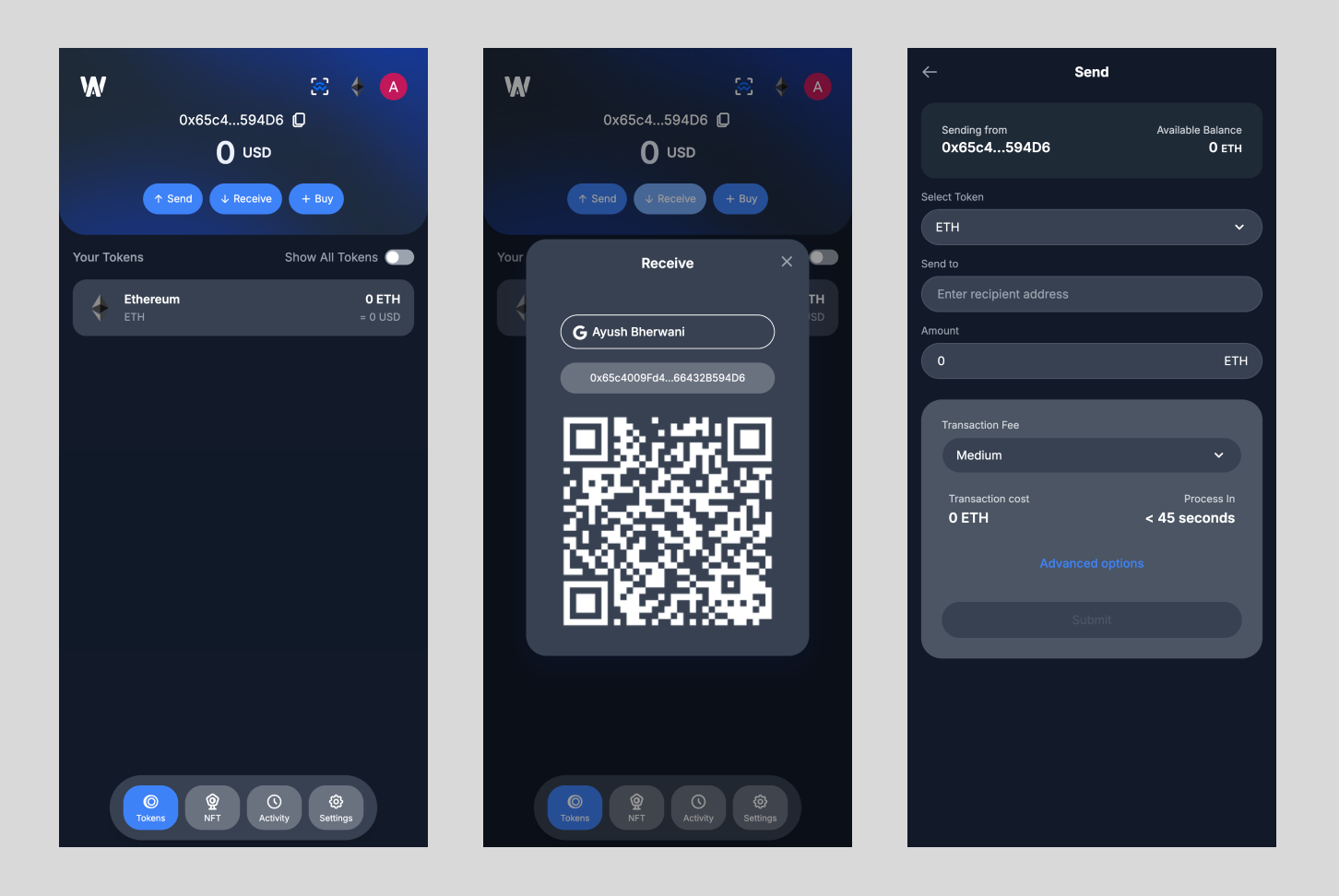
The showWalletUI method launches a WebView with the built-in wallet UI.
The SDK retrieves chain configuration automatically from your project settings in the Embedded
Wallets dashboard.
If the dashboard response has no chains field, the SDK uses the chains you pass in
Web3AuthOptions.
Wallet Services open on the first chain in the list.
The user must be signed in. The method throws an error if no user is signed in or if no chains are configured.
info
Wallet Services is currently only available for EVM chains.
note
Access to Wallet Services is gated.
This feature is free in sapphire_devnet.
The minimum pricing plan to use this feature in production is
the Scale Plan.
Parameters
| Parameter | Description |
|---|---|
path? | Path to navigate to in the wallet UI. The default is "wallet". You can use "wallet/transactions", "wallet/nfts", etc. for specific wallet screens. |
Usage
do {
    try await web3Auth.showWalletUI()
} catch {
    print(error.localizedDescription)
    // Handle error
}
Navigate to a specific screen
do {
    try await web3Auth.showWalletUI(path: "wallet/transactions")
} catch {
    print(error.localizedDescription)
    // Handle error
}